How do I add or change an image on a receipt / invoice template?
To change the image on a receipt / invoice template.
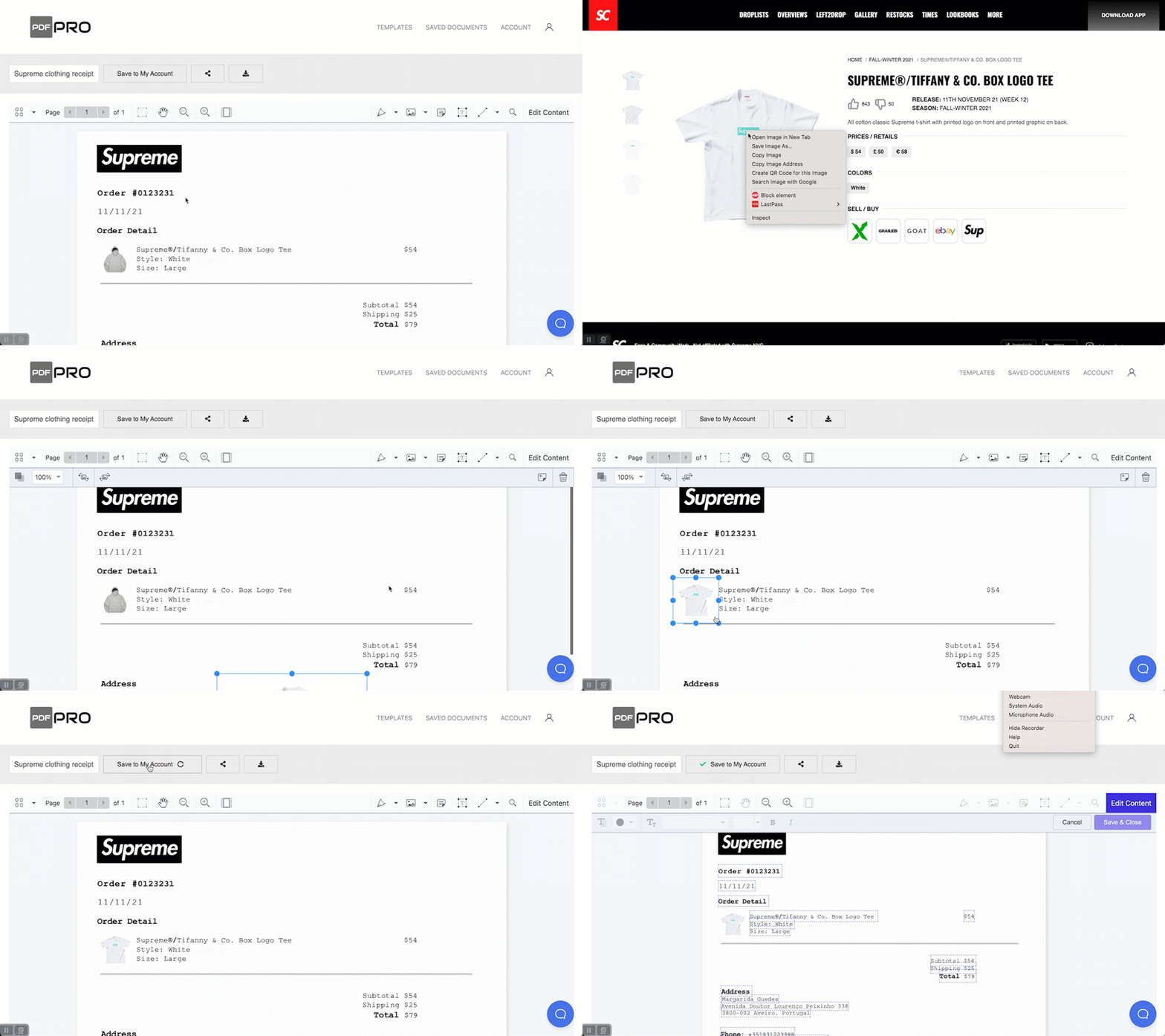
Here we are going to change the image on a Supreme invoice to a new image by overlaying the new image to the receipt using the PDF Pro editor.
- Download a JPG or PNG of the image you want to use on your document
- Click on the Image icon on the toolbar. (You may have to (click Save & Close button to find this button)
- Upload the image to PDF Pro editor tool
- Move and resize the image on screen